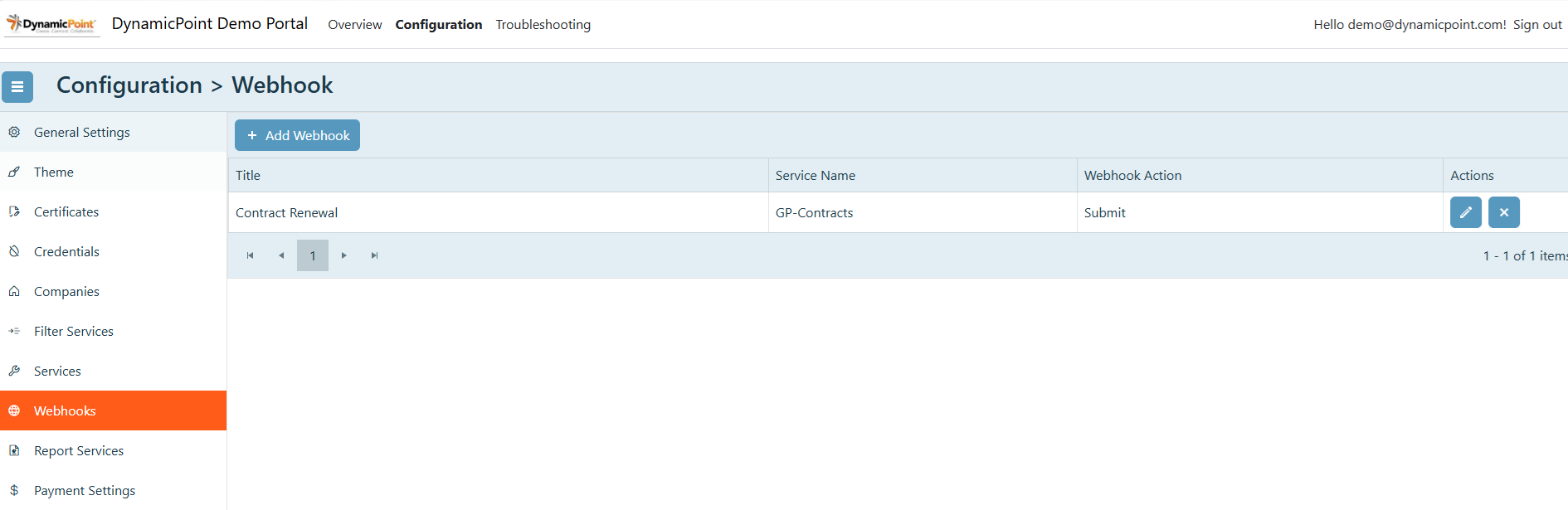
The Webhooks section is used to enable connection to Microsoft’s Power Automate.
General
The general section of the webhook creation wizard contains the basic settings.
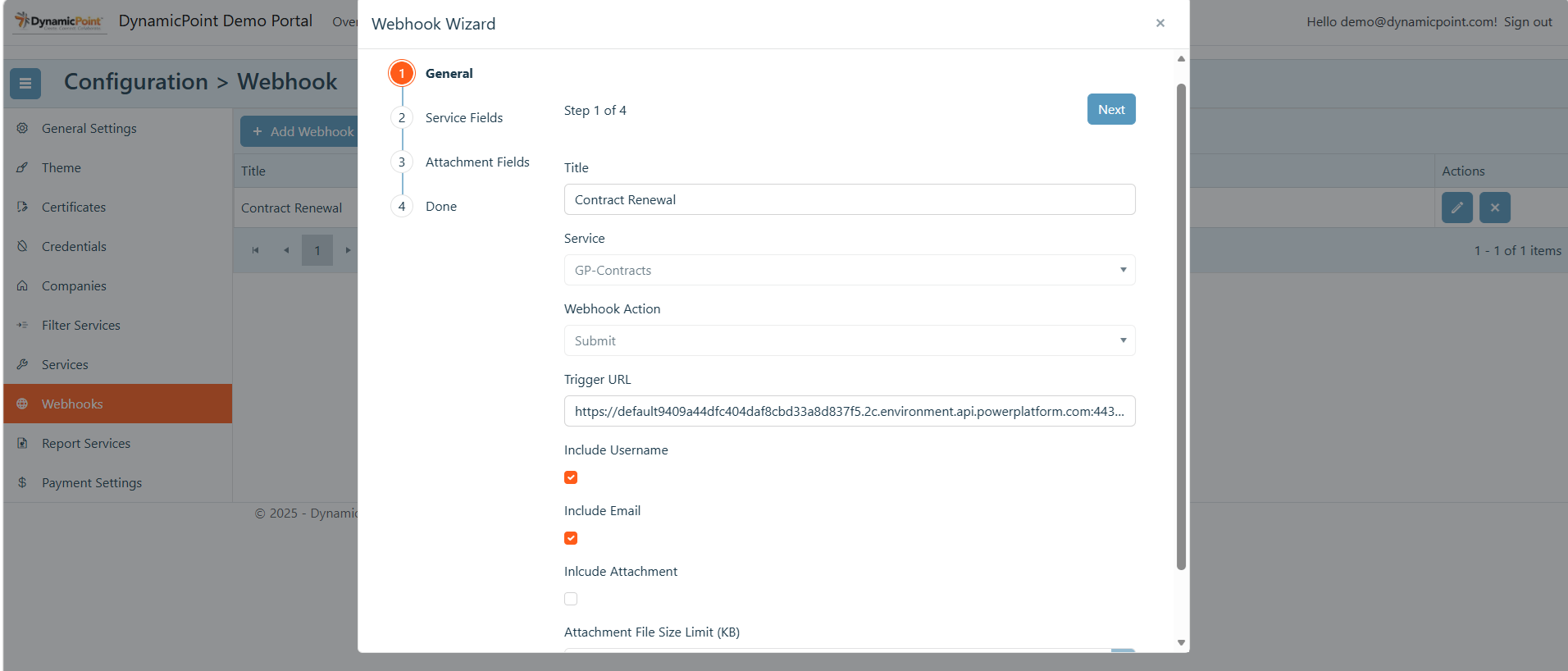
- Title
User defined name of the webhook. - Service
Select the service that will trigger this webhook. - Webhook Action
The selected action will determine when the webhook is triggered. - Trigger URL
This will be the HTTP post url supplied in Power Automate.

- Include Username
Select if user name is desired to be included in schema - Include Email
Select if user email is desired to be included in schema - Include Attachment
Used in the configuration of file upload capability. The uploaded file will be passed to Power Automate. - Attachment File Size Limit
The file size limit of the uploaded attachment.

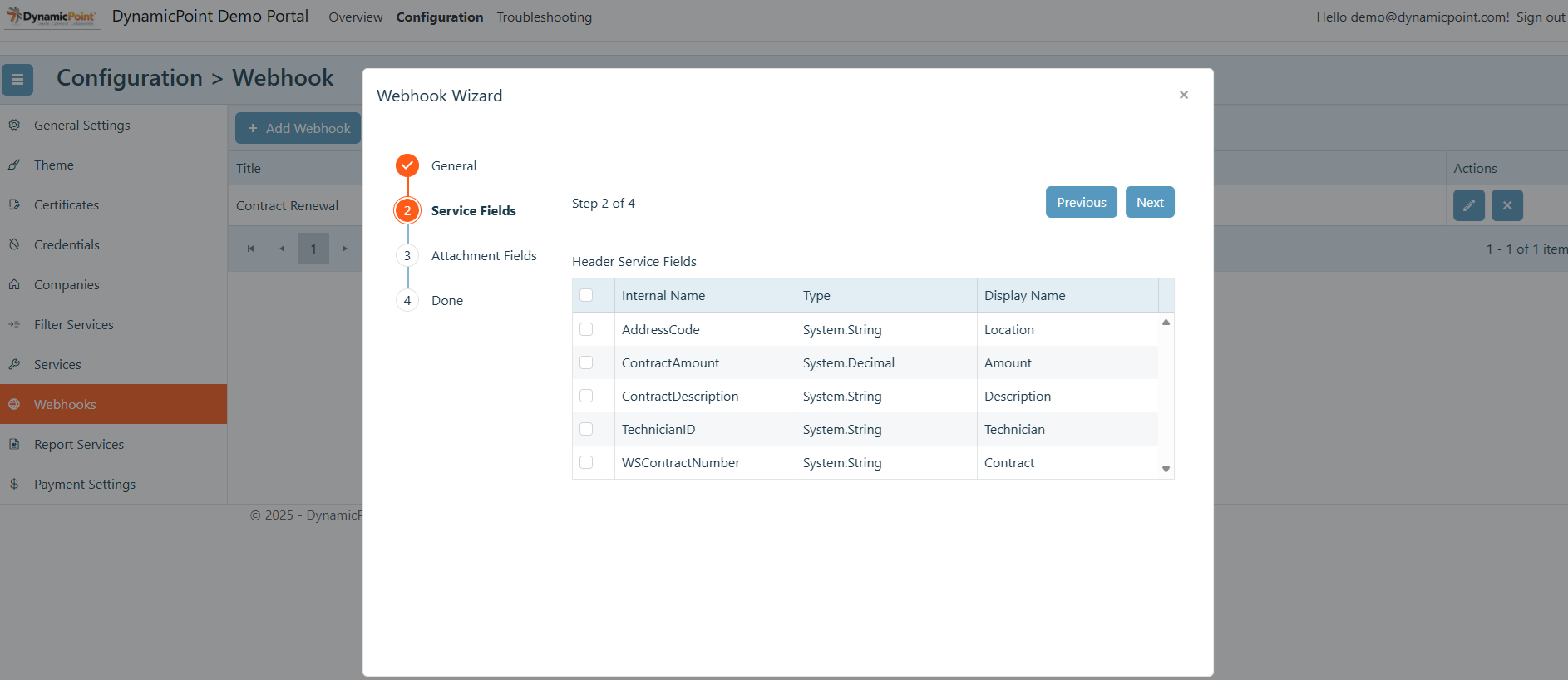
Service Fields
The service field section allows the selection of the fields that will be passed in the schema.
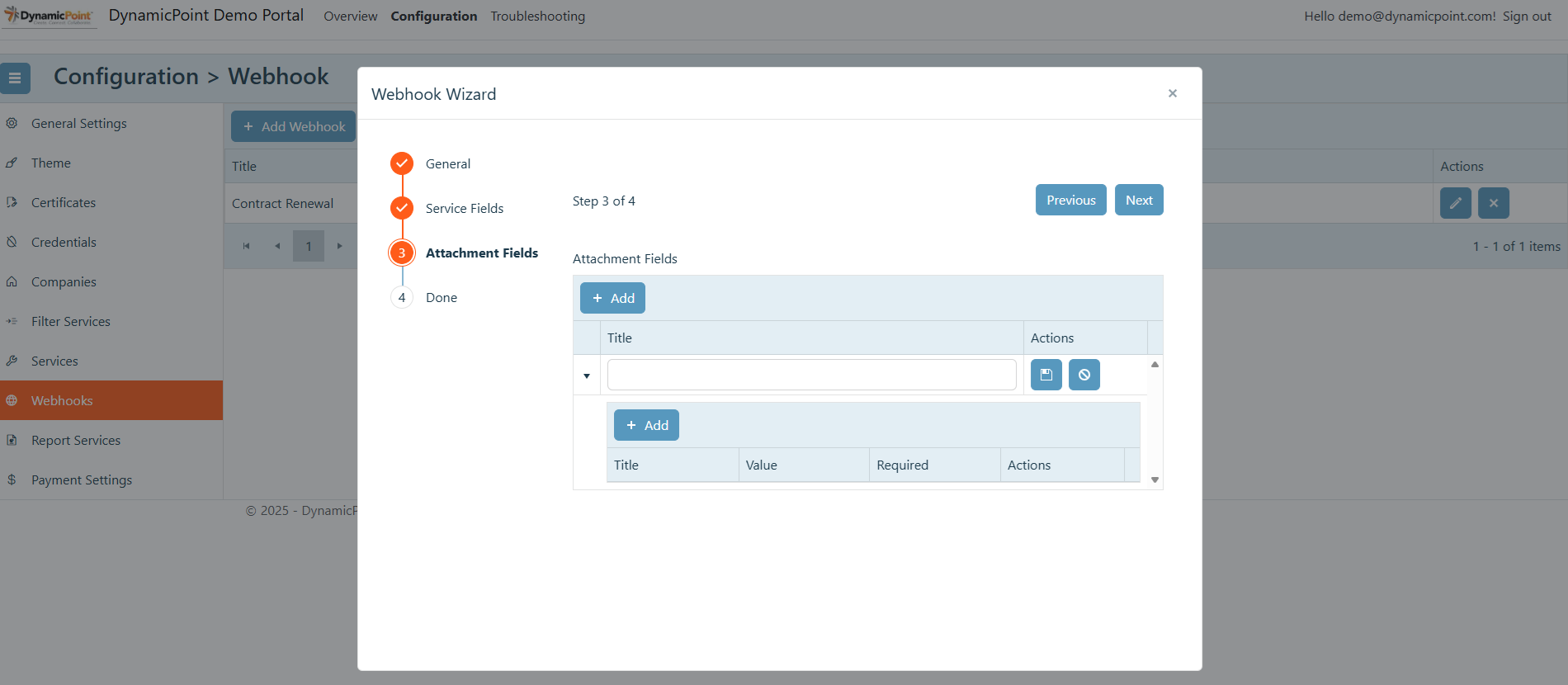
Attachment Fields
The attachment field section allows the definition of the fields that will be required and passed in the schema when a file is uploaded.